

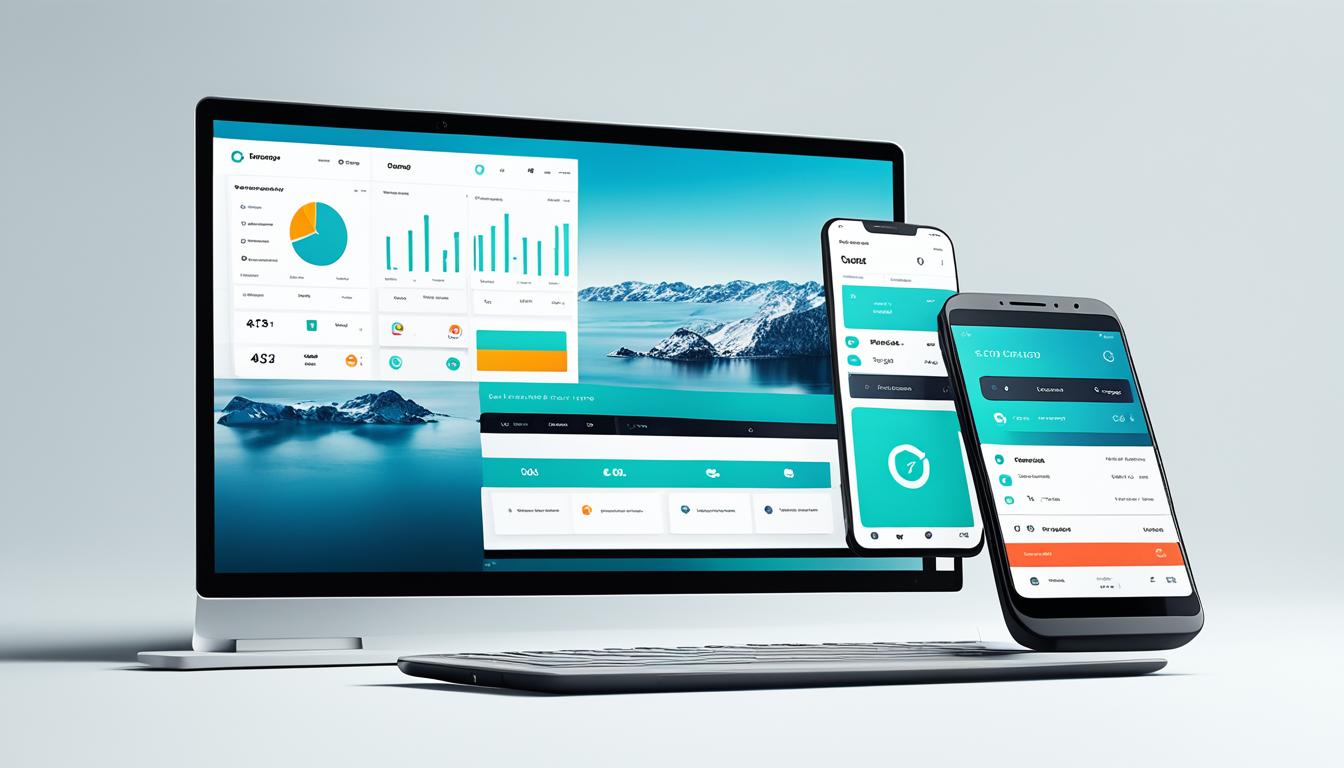
When it comes to UI/UX design for web platforms, understanding and implementing key principles can make a significant difference in creating a seamless user experience. In this section, we will explore essential web design principles that will guide you in building visually appealing and user-friendly websites.
Responsive Design
Responsive design is a fundamental principle that ensures websites adapt to different screen sizes and devices. By employing responsive design techniques, you can create websites that provide an optimal viewing experience to users, regardless of whether they are accessing your site on a desktop computer, tablet, or mobile device.
Emphasizing responsive design enables your website to automatically adjust its layout, content, and functionality according to the screen size, allowing users to navigate and interact with your site with ease.
Intuitive Navigation
Intuitive navigation is crucial for guiding users through your website effortlessly. Implementing clear and consistent navigation menus, logical placement of links, and intuitive user flows will help visitors find the information they need quickly and efficiently.
Consider organizing your website navigation in a logical and hierarchical manner, using intuitive labels and categories. Additionally, incorporating search functionality and breadcrumbs can further enhance the user experience, enabling users to find specific content and navigate back to previously visited pages easily.
Visual Hierarchy
Visual hierarchy plays a vital role in directing users’ attention and guiding them through your website’s content. By strategically using typography, colors, contrast, and design elements, you can highlight important information, establish a clear content hierarchy, and create a visually pleasing user experience.
Ensure that your website’s layout and design draw attention to key elements such as headlines, calls to action, and important content sections. Applying consistent visual styling across your site can also contribute to a cohesive and visually appealing user interface.
Example Web Design Principles in Action
“Great web design is about creating a seamless experience for your users. By implementing responsive design, intuitive navigation, and visual hierarchy, you can enhance engagement and satisfaction.”
– Jane Smith, Web Designer
Implementing these web design principles will help you create user-friendly websites that deliver an enjoyable user experience. By incorporating responsive design, intuitive navigation, and visual hierarchy, you can ensure that your website is accessible, easy to navigate, and visually appealing. Following these principles will ultimately lead to increased user engagement, improved conversions, and overall success for your online presence.
Continue reading to learn about the specific design guidelines and best practices for UI/UX design in mobile applications.
Mobile App Design Guidelines
When it comes to designing mobile applications, it’s important to consider the unique characteristics of mobile devices to deliver an optimal user experience. In this section, we’ll explore some essential guidelines for mobile app design that will help you create intuitive and engaging interfaces.
Consider Screen Size
The screen size of mobile devices varies significantly, from small smartphones to larger tablets. To accommodate different screen sizes, it’s crucial to design interfaces that are responsive and adaptable. Consider the following:
- Use scalable design elements that adjust based on the screen size.
- Avoid overcrowding the interface with too much content, ensuring it remains visually appealing and easy to navigate.
- Optimize touch targets to make it easier for users to interact with the app.
Optimize Touch Interactions
In mobile app design, touch interactions play a vital role in user engagement. Here are some tips to optimize touch interactions:
- Ensure that buttons and interactive elements have an appropriate size and spacing to prevent accidental taps.
- Use gesture-based interactions, such as swiping or pinching, to provide intuitive navigation and enhance user experience.
- Provide visual feedback when users interact with elements, such as highlighting or animation, to give them a sense of control and responsiveness.
Remember, the goal is to make every touch interaction seamless and effortless for users, enhancing their overall experience with the app.
Streamline App Navigation
A clear and intuitive navigation system is crucial for mobile apps. Here are some guidelines to streamline app navigation:
- Use familiar navigation patterns, such as tab bars or side menus, making it easier for users to find their way around the app.
- Minimize the number of taps required to reach important features or content, reducing user frustration and increasing efficiency.
- Incorporate search functionality to help users quickly find specific information within the app.
By implementing these navigation guidelines, you can ensure that users can seamlessly navigate through your mobile app, improving their overall experience.
Designing a mobile app interface requires careful consideration of screen size, touch interactions, and navigation. By following these guidelines, you can create mobile app designs that are user-friendly, intuitive, and visually appealing.
| Mobile App Design Guidelines | Key Considerations |
| Screen Size | Design responsive interfaces, use scalable design elements, and optimize touch targets. |
| Touch Interactions | Ensure appropriate size and spacing of interactive elements, use gesture-based interactions, and provide visual feedback. |
| App Navigation | Use familiar navigation patterns, minimize taps, and incorporate search functionality. |
Consistency in UI/UX Design
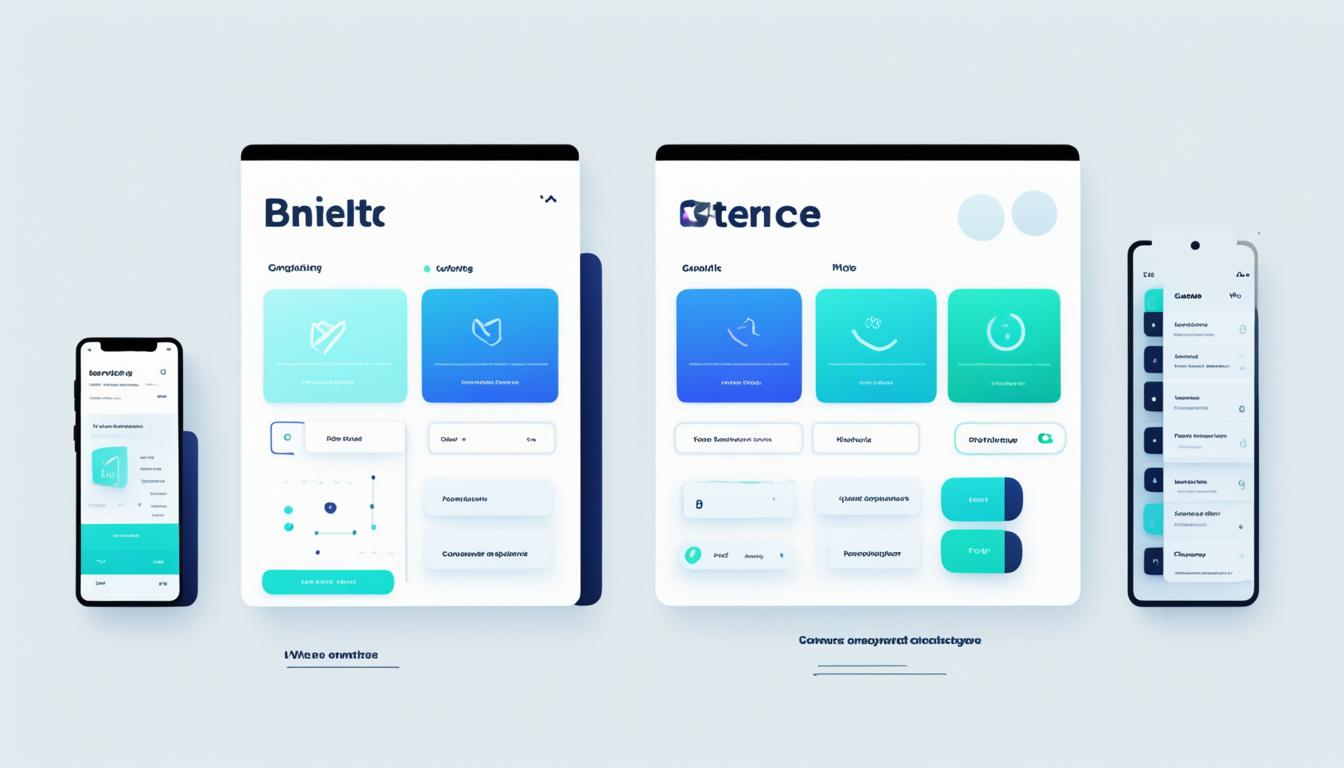
Consistency plays a crucial role in UI/UX design, ensuring a seamless user experience across web and mobile platforms. By maintaining visual and interaction consistency, you enhance usability and user satisfaction. Let’s explore why consistency is key and how it can be achieved.
Visual Consistency:
Visual consistency refers to the use of consistent design elements across different screens and pages. It ensures that users can easily recognize and interpret the interface elements, fostering familiarity and reducing cognitive load. When designing for web and mobile, it is essential to establish a visual language that aligns with your brand identity and is consistently applied throughout the user interface.
Some key aspects of visual consistency include:
- Color scheme: Using a consistent color palette throughout your design helps create visual harmony and aids in establishing a strong brand presence.
- Typography: Consistency in font styles, sizes, and hierarchy improves readability and maintains a cohesive look and feel.
- Iconography: Using consistent icons and visual metaphors enhances usability and makes it easier for users to understand and interact with the interface.
Interaction Consistency:
Interaction consistency focuses on maintaining a consistent behavior and flow of interactions across web and mobile platforms. It ensures that users can easily navigate and interact with the interface without confusion or frustration. By following common interaction patterns and conventions, you provide users with a sense of familiarity and enable them to focus on their tasks rather than figuring out how to interact with your product.
Here are some best practices to achieve interaction consistency:
- Navigational patterns: Use consistent navigation menus, buttons, and gestures across different screens to provide users with a seamless and predictable navigation experience.
- Form and input fields: Follow standard conventions for form layouts and input validation to create a frictionless data entry process.
- Feedback and status indicators: Provide consistent feedback to users when they perform actions, such as showing loading indicators or success messages, to keep them informed about the system’s response.
Consistency in Action:
“Consistency is key in UI/UX design. By maintaining visual and interaction consistency, you establish a strong brand presence and enhance usability. Users appreciate designs that are familiar and intuitive, making it easier for them to accomplish their goals.”
– Sarah Lawson, Senior UI/UX Designer at XYZ
By prioritizing consistency in your UI/UX design process, you build trust with your users and ensure a positive user experience. Now, let’s take a look at a table that highlights the key differences between visual and interaction consistency in web and mobile design:
| Visual Consistency | Interaction Consistency | |
| Definition | Consistency in design elements, such as colors, typography, and icons. | Consistency in the behavior and flow of user interactions. |
| Importance | Establishes visual harmony and brand identity. | Ensures smooth and predictable user interactions. |
| Benefits | Fosters familiarity and reduces cognitive load. | Enhances usability and reduces user confusion. |
| Example | Using consistent colors and typography throughout a website. | Following standard navigation patterns across different screens. |
Visual and interaction consistency are both important aspects of UI/UX design. By incorporating these best practices into your design process, you can create cohesive and user-friendly experiences on both web and mobile platforms.
User-Centered Design Approach
When it comes to UI/UX design, adopting a user-centered approach is essential for creating successful and engaging designs for both web and mobile platforms. By prioritizing the needs and expectations of your users, you can ensure that your design choices align with their preferences, resulting in a delightful user experience.
One of the key elements of a user-centered design approach is the concept of user personas. User personas are fictional representations of your target audience, created based on research and data. By developing these personas, you can gain a deeper understanding of your users’ behaviors, preferences, and goals, allowing you to tailor your designs to their specific needs.
Another crucial aspect of user-centered design is conducting thorough user research. User research involves gathering insights about your target audience through methods such as surveys, interviews, and usability tests. This research helps you uncover pain points, identify user expectations, and uncover valuable insights that can inform your design decisions.
Once you have a solid understanding of your users and their needs, it’s important to incorporate user testing into your design process. User testing involves observing users as they interact with your designs, gathering feedback and identifying areas for improvement. By involving users in the testing process, you can validate your design choices, identify usability issues, and make iterative improvements to enhance the overall user experience.
By adopting a user-centered design approach, you can create designs that resonate with your target audience, resulting in higher user satisfaction and engagement. Remember, the key is to continuously communicate, empathize, and iterate based on user feedback to ensure that your designs meet their evolving needs and expectations.
“Design is not just what it looks like and feels like. Design is how it works.” – Steve Jobs
Designing for Accessibility

When it comes to UI/UX design, accessibility is a crucial consideration for both web and mobile platforms. Ensuring that your digital experience caters to individuals with disabilities not only enhances inclusivity but also improves the overall user experience. By following accessibility guidelines and implementing inclusive design techniques, you can create interfaces that are accessible to a wider range of users.
One important aspect of designing for accessibility is providing alternative text descriptions for images. This allows users with visual impairments to understand and interact with your content. Additionally, using appropriate color contrast ratios ensures that users with color vision deficiencies can easily perceive your interface elements.
Another key aspect of accessible design is providing clear and descriptive headings. This helps users who rely on assistive technologies, such as screen readers, to navigate and understand the content hierarchy. It also contributes to better SEO practices, as search engines rely on headings to understand the structure of your webpage.
Forms and input fields should also be designed with accessibility in mind. Providing clear labels and instructions, as well as error messages and validation feedback, helps users with cognitive disabilities or screen readers to understand and interact with these elements effectively.
By incorporating these accessibility best practices into your UI/UX design, you can create an inclusive digital experience that caters to the diverse needs of your users. Remember, accessible design benefits everyone, not just individuals with disabilities. It enhances usability, improves user satisfaction, and aligns with UI/UX best practices.
Performance Optimization
When it comes to UI/UX design, performance optimization is a critical aspect that directly impacts user satisfaction and engagement on web and mobile platforms. Slow page load times and clunky interactions can quickly discourage users and lead to high bounce rates. That’s why it’s essential to implement techniques that minimize delays, optimize graphics, and ensure smooth user experiences.
Minimize Page Load Times
One of the key factors in performance optimization is reducing page load times. When a user clicks on a link or opens an app, they expect near-instantaneous results. To achieve this, you can:
- Optimize images and videos to reduce file sizes without compromising quality.
- Minify CSS and JavaScript files by removing unnecessary characters and white spaces.
- Enable browser caching to store temporary files locally, reducing the need for repeated downloads.
By implementing these techniques, you can significantly improve the responsiveness of your web pages and mobile apps, ensuring a seamless user experience.
Optimize Graphics
Graphics play a crucial role in UI/UX design, contributing to aesthetics, branding, and visual storytelling. However, large image files can slow down load times and hinder performance. To optimize graphics:
- Choose the appropriate file format (JPEG for photos, PNG for graphics with transparent backgrounds) to balance quality and file size.
- Use image compression tools to reduce the file size while maintaining visual integrity.
- Consider lazy loading techniques where images are loaded only when they come into the user’s view, improving initial load times.
By optimizing graphics, you can enhance performance without compromising on visual appeal.
Ensure Smooth User Interactions
Seamless and responsive user interactions are vital for a positive UI/UX experience. Here are some best practices to achieve smooth interactions:
- Minimize the use of excessive animations and transitions, as they can hinder performance.
- Implement asynchronous loading for content that can be fetched separately, allowing users to interact with the interface without delays.
- Opt for lightweight UI frameworks that prioritize performance, such as React or Vue.js.
By following these practices, you can create a user-centric design that not only looks great but also performs optimally across different devices and platforms.
Remember, performance optimization should be an ongoing process. Regularly monitor your web and mobile applications, identify areas for improvement, and implement optimizations based on user feedback and industry best practices.
Evolving Trends in UI/UX Design
The world of UI/UX design is constantly evolving. New technologies and design trends emerge, shaping the future of user interface and user experience. Staying updated with the latest trends is vital to create impactful designs that engage and delight users on web and mobile platforms.
Here are some key trends and technologies driving the evolution of UI/UX design:
- Dark Mode: Dark mode has gained popularity in recent years. It not only reduces eye strain but also adds a sleek and modern aesthetic to user interfaces. Dark mode can enhance visual hierarchy, highlight important elements, and create a visually appealing experience.
- Motion Design: The use of motion and animation in UI/UX design has become increasingly prevalent. Motion design adds interactivity and engages users, providing visual feedback and guiding them through the digital experience. Microinteractions, animated transitions, and dynamic illustrations contribute to a more immersive and delightful user experience.
- Voice User Interface (VUI): With the rise of voice assistants such as Siri and Alexa, voice user interfaces have gained traction. VUI allows users to interact with digital interfaces using spoken commands. Integrating voice interactions into UI/UX design can enhance accessibility, enable easier navigation, and provide a hands-free user experience.
- Artificial Intelligence (AI): AI-powered technologies are transforming UI/UX design. From chatbots to personalized recommendations, AI enhances user interactions and tailors experiences based on user behavior and preferences. AI can automate repetitive tasks, provide contextual assistance, and deliver a more personalized and efficient user experience.
- Augmented Reality (AR) and Virtual Reality (VR): AR and VR technologies have immense potential in UI/UX design. They create immersive environments, allowing users to interact with digital elements in a realistic and engaging way. AR and VR can revolutionize product visualization, gaming experiences, and virtual tours, providing users with unique and memorable interactions.
By embracing these trends and integrating them into your UI/UX design process, you can create innovative and impactful designs that cater to the evolving expectations and needs of your users.
| Trend | Description |
| Dark Mode | Reduces eye strain and adds a sleek aesthetic to user interfaces. |
| Motion Design | Uses motion and animation to enhance interactivity and engage users. |
| Voice User Interface (VUI) | Allows users to interact with interfaces using spoken commands. |
| Artificial Intelligence (AI) | Enhances interactions, automates tasks, and personalizes experiences using AI technologies. |
| Augmented Reality (AR) and Virtual Reality (VR) | Creates immersive environments for interactive and realistic digital experiences. |
Conclusion
In conclusion, this guide has provided an overview of the best practices for UI/UX design on web and mobile platforms. By understanding the differences between UI and UX design and incorporating these practices into your digital projects, you can create user-centric designs that enhance user satisfaction and engagement.
When comparing UI/UX design, it is important to consider the unique requirements and constraints of web and mobile platforms. Web design principles emphasize responsive layouts, intuitive navigation, and effective visual hierarchy to ensure a seamless user experience. On the other hand, mobile app design guidelines focus on considerations such as screen size, touch interactions, and streamlined app navigation.
Consistency across platforms is a key aspect of successful UI/UX design. By maintaining visual and interaction consistency, you create familiarity and usability for users, regardless of the device they are using. Additionally, taking a user-centered design approach by conducting user research and testing helps to align your designs with user needs and expectations.
Lastly, it is essential to prioritize accessibility and performance optimization in UI/UX design. Designing for accessibility ensures that individuals with disabilities can access and navigate digital experiences. Performance optimization techniques, such as minimizing page load times and optimizing graphics, contribute to a smooth and enjoyable user experience.
By incorporating these UI/UX best practices into your design process, you can create intuitive and user-friendly interfaces that effectively engage your target audience. Remember to stay informed about evolving trends and emerging technologies to stay ahead of the curve in the dynamic world of UI/UX design.
FAQ
What are the best practices for UI/UX design on web and mobile platforms?
The best practices for UI/UX design on web and mobile platforms include ensuring responsive design, intuitive navigation, and visual hierarchy for a seamless user experience.
What is the difference between UI and UX design for web and mobile?
UI design focuses on the visual elements and aesthetics of a website or app, while UX design is concerned with the overall user experience and how the interface functions and flows.
How can I optimize UI/UX design for mobile applications?
To optimize UI/UX design for mobile applications, consider factors such as screen size, touch interactions, and app navigation to create a user-friendly experience on smaller devices.
Why is consistency important in UI/UX design?
Consistency in UI/UX design ensures that users can easily navigate and interact with websites or apps, reducing cognitive load and enhancing usability and user satisfaction.
How can I incorporate a user-centered design approach in my UI/UX design?
To adopt a user-centered design approach, conduct user research, create user personas, and perform user testing to understand and meet the needs and expectations of your target audience.
What are some guidelines for designing accessible UI/UX?
Designing for accessibility involves incorporating features such as alt text for images, keyboard navigation, and color contrast, ensuring that individuals with disabilities can access and interact with digital content.
How can I optimize performance in UI/UX design?
To optimize performance in UI/UX design, minimize page load times, optimize graphics and media files, and ensure smooth user interactions for an efficient and enjoyable user experience.
What are some evolving trends in UI/UX design for web and mobile?
Some evolving trends in UI/UX design include voice user interfaces, augmented reality, and microinteractions, which are shaping the future of digital experiences.