

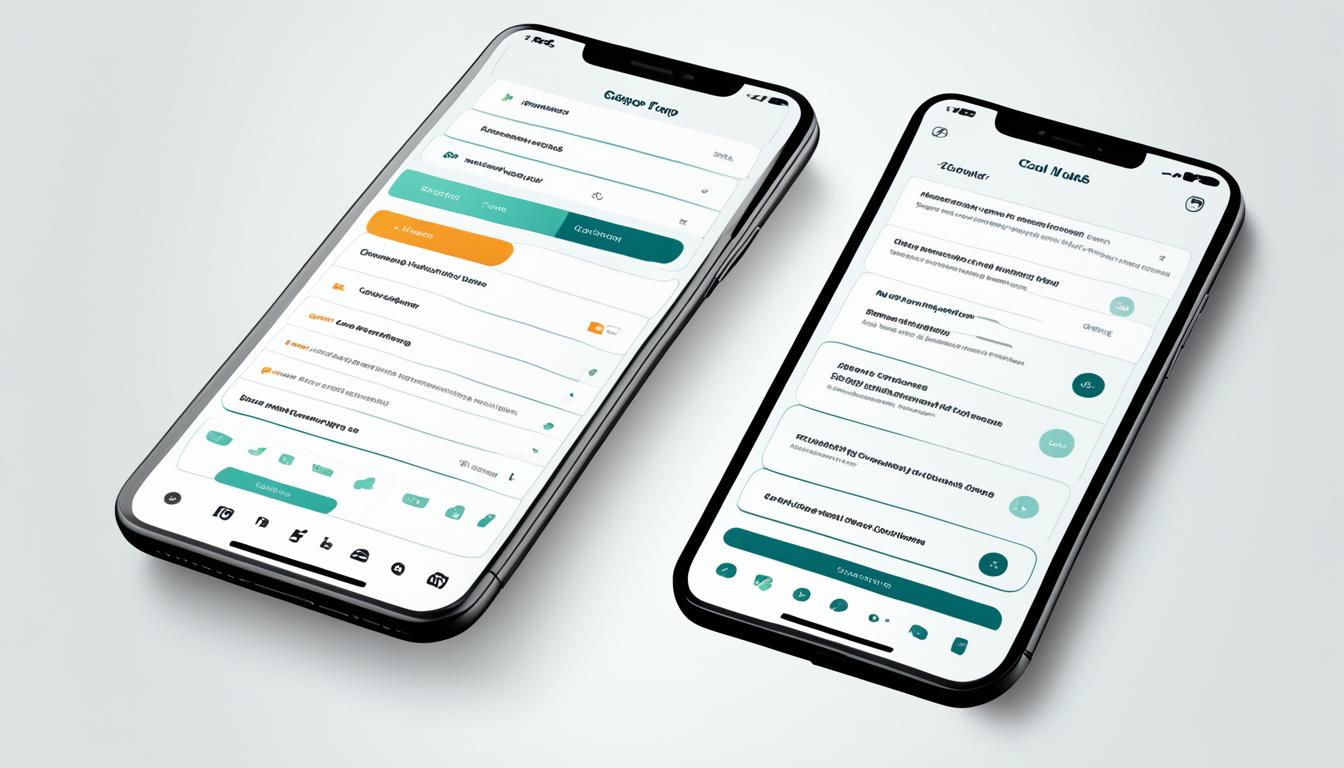
In the world of digital experiences, User Experience (UX) Design plays a crucial role in crafting immersive and user-centric products and services. By focusing on research, analysis, and prototyping, UX Designers ensure that the user journey is intuitive and enjoyable. Let’s explore the key components that make up UX Design.
Information Architecture
Information architecture involves organizing and structuring the content and functionality of a digital product or service. It aims to create a logical and intuitive flow that allows users to easily find what they need. UX Designers carefully define the hierarchy of information, categorize content, and design navigation systems that enhance user exploration.
Interaction Design
Interaction Design focuses on designing the interactions and behaviors of a digital product. It involves creating intuitive and responsive interfaces that guide users through their journey. UX Designers strategically design elements such as buttons, forms, and microinteractions to ensure smooth and efficient user interactions.
Visual Design
Visual design in UX involves creating aesthetically pleasing interfaces that align with the overall user experience goals. It encompasses selecting appropriate typography, color schemes, and visual elements to establish a cohesive and visually engaging design language. The visual design elements are crafted to evoke emotions and enhance usability.
UX Designers rely on research, analysis, and prototyping to create a seamless and meaningful user experience. They consider factors such as information architecture, interaction design, and visual design to deliver exceptional digital experiences.
The Role of User Interface (UI) Design
User Interface (UI) Design plays a crucial role in shaping the visual and interactive aspects of a digital product or service. It focuses on creating an aesthetically pleasing and user-friendly interface that enhances the overall user experience.
“Good design is obvious. Great design is transparent.”
– Joe Sparano
UI Design involves crafting various elements, such as buttons, menus, typography, color schemes, and layouts to ensure an intuitive and engaging user interface. By incorporating visual hierarchy, usability principles, and interactivity, UI Design strives to provide a seamless and enjoyable digital experience.
With a keen understanding of user behavior, UI designers focus on optimizing the user’s interaction with a digital product or service. They carefully consider factors such as user expectations, accessibility, responsiveness, and the brand’s visual identity to create a cohesive and visually compelling interface.
By implementing consistent design patterns and intuitive navigation, UI Design aims to minimize cognitive load and provide a clear path for users to achieve their goals. By crafting delightful microinteractions, animations, and transitions, UI designers add a touch of sophistication and charm to the interface, enhancing the overall user experience.
“Design is not just what it looks like and feels like. Design is how it works.”
– Steve Jobs
UI Designers collaborate closely with UX Designers to ensure the visual interface aligns with the overall user experience goals. This partnership helps create a harmonious balance between functionality and visual appeal, resulting in a cohesive and memorable digital experience for the end-user.
Key Components of UI Design
UI Design encompasses various components that work together to create an exceptional user interface. These components include:
- Visual Design: Crafting a visually appealing and cohesive interface by selecting appropriate color schemes, typography, imagery, and iconography.
- Layout Design: Structuring and organizing the elements of the interface to provide clarity and improve user flow.
- Interaction Design: Designing interactive elements such as buttons, menus, forms, and sliders to enhance user engagement and interactivity.
- Usability Testing: Conducting user testing and gathering feedback to identify areas of improvement and optimize the user interface.
| Component | Description |
| Visual Design | Creates a visually appealing and cohesive interface by selecting appropriate color schemes, typography, imagery, and iconography. |
| Layout Design | Structures and organizes the elements of the interface to provide clarity and improve user flow. |
| Interaction Design | Designs interactive elements such as buttons, menus, forms, and sliders to enhance user engagement and interactivity. |
| Usability Testing | Conducts user testing and gathers feedback to identify areas of improvement and optimize the user interface. |
Key Components of UI Design
In user interface (UI) design, the visual representation and layout of the user interface play a crucial role in creating an engaging and intuitive digital experience. UI designers focus on various elements to create visually appealing and cohesive designs that align with the overall user experience.
Typography
The choice of typography can greatly influence the readability and user perception of a digital product. UI designers select fonts that are legible, visually pleasing, and enhance the overall aesthetics of the interface. By carefully considering factors such as font size, line spacing, and letter spacing, UI designers ensure that the text is easily readable and accessible to users.
Color Schemes
Color plays a significant role in UI design, evoking emotions, creating visual hierarchy, and guiding user attention. UI designers use color schemes to establish a coherent visual language that reflects the brand identity and enhances the user experience. By incorporating appropriate color combinations, UI designers can communicate information effectively and create visually engaging interfaces.
Iconography
Icons are visual representations that convey meaning and effectively communicate functionality within an interface. UI designers leverage iconography to simplify complex actions and concepts, allowing users to quickly understand and interact with the digital product. Through the careful selection and design of icons, UI designers enhance usability and improve the overall user experience.
Other Visual Elements
UI design involves the integration of various visual elements, such as buttons, menus, images, and multimedia content. UI designers ensure that these elements are visually consistent, intuitive to use, and aligned with the overall user experience goals. By designing appealing and user-friendly visual elements, UI designers enhance engagement and encourage seamless interaction with the digital product.
As you can see, UI design encompasses a range of visual components that come together to create a compelling and user-friendly interface. Typography, color schemes, iconography, and other visual elements are carefully crafted to provide a cohesive and visually appealing experience for users. By prioritizing these key components, UI designers contribute to a positive user experience and facilitate meaningful interactions with digital products and services.
Collaboration between UX and UI Design
Although User Experience (UX) Design and User Interface (UI) Design are distinct disciplines, they work closely together to create a seamless and delightful user experience. The collaboration between UX and UI designers is essential to ensure that the user interface aligns with the overall user experience goals.
UX designers focus on understanding user needs and behaviors, conducting research, and creating user personas. They analyze and define the user journey, identifying pain points and opportunities for improvement. With their expertise in information architecture and interaction design, UX designers craft intuitive and user-centered experiences.
On the other hand, UI designers specialize in visual design and the aesthetic aspects of a digital product or service. They have a keen eye for typography, color schemes, and iconography, which they leverage to create visually appealing and engaging interfaces. UI designers bring the user experience to life through their skills in graphic design and creating interactive elements.
Collaboration between UX and UI designers ensures that the user interface aligns with the overall user experience goals.
Working together, UX and UI designers combine their strengths to create an effective and cohesive user experience. Through constant communication and collaboration, they ensure that the design decisions are grounded in user needs and align with the project’s objectives.
This collaborative process involves frequent feedback loops, iteration, and prototyping. UX designers provide the UI designers with wireframes and prototypes that represent the user experience flow and functionality. UI designers then bring these concepts to life, crafting visually engaging interfaces that enhance the overall experience.
The collaboration between UX and UI designers goes beyond just the design phase. They continue to work together throughout the development process to ensure that the final product maintains the intended user experience. Through this iterative process, the UX and UI designers refine and optimize the design based on user feedback and usability testing.
This collaborative approach allows for a holistic design process, where the user experience drives the visual design decisions. By working together, UX and UI designers create digital products and services that not only meet user needs but also exceed their expectations.
Key Benefits of Collaboration Between UX and UI Designers
- Improved user satisfaction through seamless and intuitive experiences.
- Consistency in visual design across the entire user journey.
- Effective communication and understanding of user needs.
- Increased efficiency and faster design iterations.
- Optimized user interfaces that align with the overall user experience.
Collaboration in Action: Case Study
| UX Design | UI Design |
| Conducting user research and interviews to understand user needs. | Creating wireframes and prototypes based on the user research findings. |
| Analyzing user behaviors and defining the user journey. | Choosing typography, colors, and visual elements to enhance the interface’s visual appeal. |
| Testing and iterating on design concepts to improve usability. | Creating visual mockups that align with the overall design direction. |
| Working closely with developers to ensure the implementation matches the intended user experience. | Collaborating with UX designers to ensure visual designs enhance the overall user experience. |
By combining their expertise and working collaboratively, UX and UI designers can create user-centric digital experiences that are both visually appealing and highly functional.
The Impact of UX and UI Design in Digital Products
When it comes to the success of digital products and services, UX and UI Design play a vital role in shaping the user experience. UX Design focuses on creating a seamless and enjoyable journey for the users, ensuring their satisfaction and engagement. UI Design, on the other hand, focuses on the visual and interactive aspects of the digital product, creating aesthetically pleasing and user-friendly interfaces.
An intuitive and visually appealing user experience has a significant impact on the success of digital products. It enhances customer satisfaction, drives engagement, and ultimately contributes to the overall success of the product or service. By investing in UX and UI Design, companies can create a competitive advantage in the digital landscape.
By understanding the key differences between UX Design and UI Design, companies can unlock the full potential of their digital products. While UX Design focuses on the overall user journey, UI Design brings that experience to life through visually appealing and user-friendly interfaces. When these two disciplines work together harmoniously, digital products can deliver exceptional experiences that leave a lasting impression on users.
| UX Design | UI Design |
| Focuses on enhancing user satisfaction and the overall experience | Focuses on the visual and interactive aspects of the product |
| Involves research, analysis, and prototyping | Includes typography, color schemes, and interactive elements |
| Considers factors such as usability and accessibility | Crafts visually appealing and user-friendly interfaces |
| Creates seamless and meaningful user journeys | Ensures visual consistency and a cohesive design |
When executed effectively, UX and UI Design can significantly impact a company’s bottom line. By prioritizing user experience and investing in compelling interfaces, companies can attract more users, increase customer satisfaction, and ultimately drive business growth. To create exceptional digital products, it’s crucial for businesses to recognize the value of both UX and UI Design and the harmonious collaboration between these two disciplines.
Key Skills and Responsibilities of UX Designers
As a UX Designer, your role is crucial in shaping the user experience design of digital products and services. To effectively fulfill your responsibilities, it’s important to possess a combination of technical skills and a deep understanding of user behavior. Let’s explore the key skills and responsibilities that define a successful UX Designer:
User Research
A fundamental skill of a UX Designer is the ability to conduct comprehensive user research. This involves gathering insights about user needs, preferences, and behavior through methods such as interviews, surveys, and user testing.
Creation of User Personas
UX Designers are responsible for developing user personas, which are fictional representations of target users. These personas capture key attributes, goals, and motivations, enabling designers to empathize with and design for specific user groups.
Analysis of User Behavior
Understanding how users interact with digital products is essential in UX Design. UX Designers analyze user behavior data to identify pain points, usability issues, and areas for improvement. This data-driven approach helps inform design decisions and optimize the user experience.
Definition of User Journeys
UX Designers create user journeys that map out the entire user experience, from initial interaction to achieving desired goals. By defining the steps, touchpoints, and potential user emotions throughout this journey, designers can identify opportunities to enhance the overall experience.
Collaboration and Communication
Effective collaboration is crucial for UX Designers, as they often work closely with cross-functional teams such as UI designers, developers, and product managers. Strong communication skills enable designers to articulate their design decisions, incorporate feedback, and advocate for user-centered design principles.
Prototyping and Wireframing
UX Designers utilize prototyping and wireframing tools to create low-fidelity and high-fidelity representations of the user interface. These prototypes help visualize and test design concepts, allowing designers to iterate and refine their solutions based on user feedback.
Usability Testing
Conducting usability tests is an essential responsibility of UX Designers. By observing and gathering feedback from users as they interact with a prototype or product, designers can uncover usability issues, validate design decisions, and iterate based on user insights.
Information Architecture
Information architecture involves organizing and structuring information in a way that supports intuitive navigation and access. UX Designers create information hierarchies, sitemaps, and navigation systems to ensure users can easily find and interact with content.
Visual Design Sensibility
While UX Designers primarily focus on the user experience, having a strong sense of visual design is beneficial. Understanding principles such as typography, color theory, and layout composition allows designers to create visually appealing interfaces that align with the overall user experience.
| Key Skills | Responsibilities |
| User Research | Conduct comprehensive user research to gather insights about user needs, preferences, and behavior. |
| Creation of User Personas | Develop user personas that capture key attributes, goals, and motivations to design for specific user groups. |
| Analysis of User Behavior | Analyze user behavior data to identify pain points, usability issues, and areas for improvement. |
| Definition of User Journeys | Create user journey maps to outline the steps, touchpoints, and potential user emotions throughout the user experience. |
| Collaboration and Communication | Effectively collaborate with cross-functional teams and communicate design decisions and user-centered design principles. |
| Prototyping and Wireframing | Create low-fidelity and high-fidelity prototypes to visualize and test design concepts. |
| Usability Testing | Conduct usability tests to gather feedback from users and validate design decisions. |
| Information Architecture | Create information hierarchies and navigation systems to support intuitive access to content. |
| Visual Design Sensibility | Apply visual design principles such as typography, color theory, and layout composition to create visually appealing interfaces. |
By mastering these skills and embracing your role as a UX Designer, you’ll be well-equipped to create exceptional user experiences that resonate with your target audience.
Key Skills and Responsibilities of UI Designers
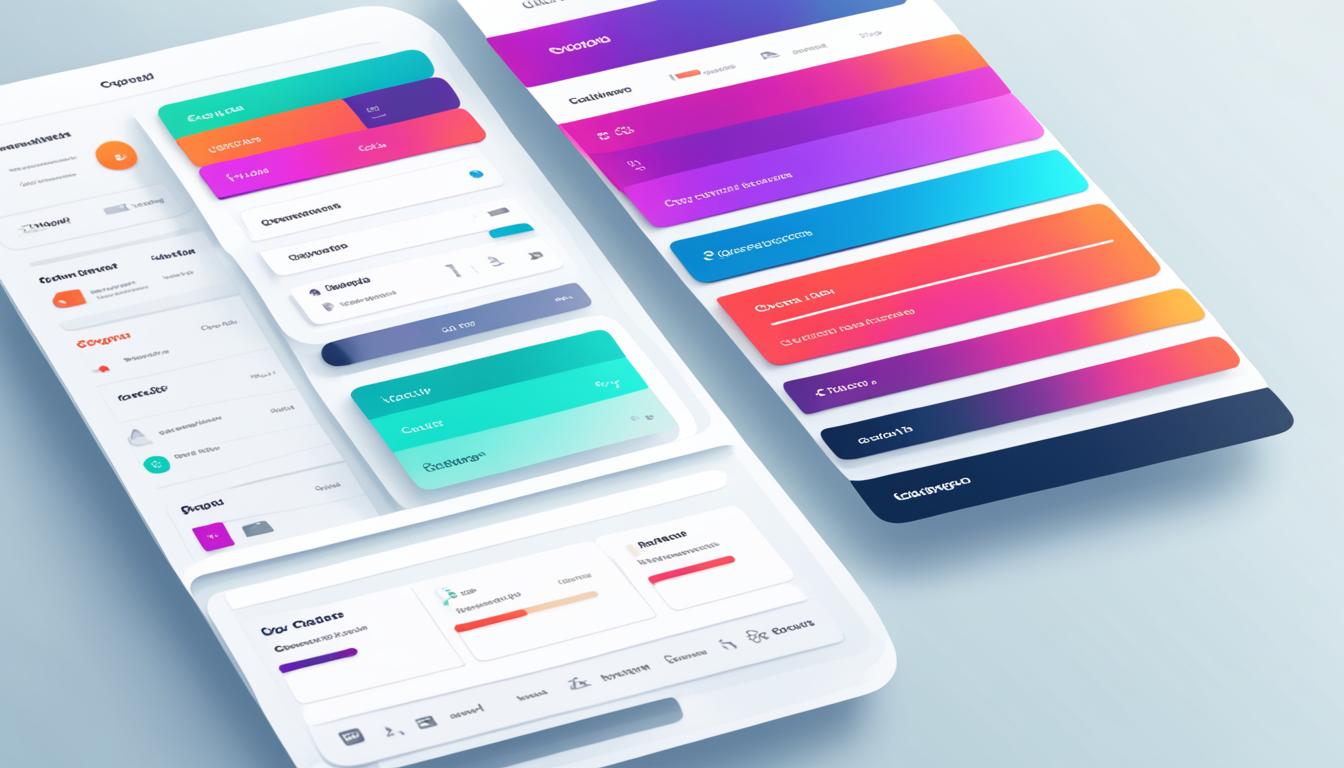
As a UI Designer, you possess a unique set of skills and responsibilities that contribute to creating visually appealing user interfaces that align with the overall user experience. Your expertise in visual design, typography, graphic design, and interactive elements is crucial in shaping the digital experiences users encounter.
Here are some key skills and responsibilities of UI Designers:
- Visual Design: You have a keen eye for aesthetics and a deep understanding of design principles. You use your creativity to craft visually engaging interfaces that resonate with users.
- Typography: You understand the power of typography in conveying messages and creating hierarchy. You select fonts strategically to enhance the readability and overall visual appeal of the interface.
- Graphic Design: Your proficiency in graphic design allows you to create stunning visuals, icons, and illustrations that enhance the overall user experience. You combine artistic flair with usability considerations to captivate and guide users.
- Interactive Elements: You design and implement interactive elements such as buttons, menus, forms, and animations. These elements engage users, provide feedback, and guide them through the interface effortlessly.
“Good design is obvious. Great design is transparent.” – Joe Sparano
As a UI Designer, your ultimate goal is to create user interfaces that not only look visually appealing but also align seamlessly with the overall user experience. By understanding user expectations and collaborating closely with UX Designers, you play a vital role in shaping digital products that leave a lasting impression.
| Key Skills and Responsibilities of UI Designers |
| Visual Design |
| Typography |
| Graphic Design |
| Interactive Elements |
UI Designers are essential contributors to the success of digital products and services. Your ability to create visually appealing interfaces that align with the overall user experience sets the stage for exceptional digital experiences that captivate and engage users.
UX vs. UI Design: Different but Interconnected
When it comes to creating exceptional digital experiences, User Experience (UX) Design and User Interface (UI) Design are two crucial factors to consider. While they have distinct focuses, they are inherently interconnected, working together to deliver optimal results. Let’s explore the difference between UX design and UI design and understand their unique contributions.
“UX Design emphasizes the overall user journey, while UI Design brings that experience to life through visually appealing and user-friendly interfaces.”
UX Design is all about understanding the user’s needs and creating a seamless experience that fulfills those needs. From conducting user research to analyzing user behavior, UX designers focus on ensuring that every interaction a user has with a digital product is intuitive, efficient, and meaningful. They aim to enhance user satisfaction and create a deep emotional connection with the product or service.
UI Design, on the other hand, focuses on the visual and interactive elements of a digital interface. UI designers are responsible for creating visually engaging and user-friendly interfaces by applying principles of graphic design, typography, and layout. They pay attention to details such as color schemes, iconography, and button placement to ensure a visually cohesive and attractive interface that aligns with the overall user experience.
While UX Design concentrates on the user’s journey and overall experience, UI Design brings the UI elements to life, making them visually appealing and easy to navigate. Together, they create a comprehensive user experience that leaves a lasting impression.
Key Distinctions: UX Design vs. UI Design
| UX Design | UI Design |
| Focuses on the overall user journey and satisfaction | Emphasizes visual and interactive elements of the interface |
| Involves user research, analysis, and prototyping | Incorporates graphic design, typography, and layout principles |
| Aims to enhance user satisfaction and create emotional connections | Focuses on creating visually appealing and user-friendly interfaces |
| Considers factors such as information architecture and interaction design | Pay attention to details such as color schemes and iconography |
By understanding the distinction between UX Design and UI Design, businesses can ensure that both aspects are given the attention they deserve. Collaborating on these two critical areas of expertise results in well-crafted digital experiences that engage users and fulfill their needs.
Next, we’ll explore the collaborative process between UX and UI designers and how their skills intertwine to create cohesive and compelling digital products.
Choosing the Right Expertise for Your Project
When embarking on a design project, it’s crucial to understand the difference between UX Design and UI Design, as well as the unique contributions they bring to the table. Both disciplines play a vital role in creating exceptional digital experiences, but understanding where to focus your emphasis can make all the difference in achieving your project goals.
To determine the right expertise for your team, consider the specific requirements of your project, the target audience, and the desired user experience. Let’s take a closer look at the differences between UX Design and UI Design to help you make an informed decision:
Key Differences: UX Design vs. UI Design
To put it simply, User Experience (UX) Design focuses on enhancing the overall user satisfaction and improving the usability of a product or service. It takes into account factors such as accessibility, usability, and the emotional connection between the user and the product. On the other hand, User Interface (UI) Design is responsible for crafting visually appealing and user-friendly interfaces, focusing primarily on the visual and interactive aspects of a digital product or service.
While UX Design and UI Design are distinct, they are closely interconnected. UX Design provides the foundation that guides UI Design by understanding user needs, conducting extensive research, and creating intuitive user journeys. UI Design, in turn, brings the UX vision to life through visually pleasing and functional interfaces that align with the overall user experience.
Considerations for Your Project
When determining whether you need more emphasis on UX Design or UI Design for your project, ask yourself the following questions:
- What are the specific goals and objectives of your project?
- Who is your target audience, and what are their needs and expectations?
- What is the desired user experience you aim to deliver?
- Are you looking to improve the overall usability and satisfaction of your product or service?
- Do you need to revamp the visual appeal and user-friendliness of your interface?
By considering these factors, you can determine whether your project requires the expertise of a UX Designer, a UI Designer, or both. Collaborating with the right design professionals will ensure that your project meets the needs of your target audience and delivers an exceptional user experience.
Key Differences Between UX Design and UI Design
| UX Design | UI Design |
| Focuses on enhancing user satisfaction and improving overall experience | Focuses on crafting visually appealing and user-friendly interfaces |
| Involves research, analysis, and prototyping | Involves visual design, typography, and interactive elements |
| Considers factors like information architecture and interaction design | Emphasizes color schemes, iconography, and layout design |
| Creates intuitive user journeys and aligns with user needs | Brings UX vision to life through visually pleasing interfaces |
Remember, when it comes to UX Design and UI Design, it’s not a matter of choosing one over the other, but rather understanding the unique contributions each brings. By leveraging the right expertise for your project, you can create digital experiences that captivate and delight your users.
Conclusion
Understanding the difference between UX Design and UI Design is essential for creating exceptional digital experiences. Both disciplines, user experience design and user interface design, play integral roles in achieving user satisfaction and engagement in today’s digital landscape.
UX Design focuses on enhancing user satisfaction and improving the overall experience of using a product or service. It involves research, analysis, and prototyping to create a seamless and enjoyable user journey. Factors such as usability, accessibility, and emotional connection are taken into consideration to ensure a meaningful experience.
On the other hand, UI Design focuses on the visual and interactive aspects of a digital product or service. It involves designing elements like menus, buttons, and layouts to create an aesthetically pleasing and user-friendly interface. Typography, color schemes, and other visual elements are carefully selected to align with the overall user experience.
Remember that UX and UI Design are distinct but interconnected disciplines. They work together to create digital experiences that are both visually appealing and intuitive. By leveraging the expertise of UX Designers and UI Designers, you can create digital products and services that captivate users, drive engagement, and ultimately, contribute to your success in the digital realm.
FAQ
What is the difference between UX design and UI design?
User Experience (UX) Design focuses on enhancing user satisfaction and improving the overall experience of using a product or service. User Interface (UI) Design, on the other hand, focuses on the visual and interactive aspects of a digital product or service, such as buttons, menus, and layouts.
How do UX design and UI design work together?
While UX Design and UI Design are distinct disciplines, they collaborate closely to create a seamless and delightful user experience. UX designers ensure that the user interface aligns with the overall user experience goals, while UI designers bring that experience to life through visually appealing and user-friendly interfaces.
What are the key components of UX design?
UX Design involves research, analysis, and prototyping to create an intuitive and enjoyable user journey. It considers elements such as information architecture, interaction design, and visual design to ensure a seamless and meaningful experience for the user.
What are the key components of UI design?
UI Design encompasses the visual representation and layout of the user interface. It involves typography, color schemes, iconography, and other visual elements to create a visually appealing and cohesive design that aligns with the overall user experience.
How do UX design and UI design impact digital products?
UX and UI Design play vital roles in shaping the success of digital products and services. An intuitive and visually appealing user experience can enhance customer satisfaction, drive engagement, and contribute to the overall success of a digital product.
What are the key skills and responsibilities of UX designers?
UX Designers are responsible for conducting user research, creating user personas, analyzing user behavior, and defining user journeys. They focus on delivering a seamless and meaningful experience for the target users.
What are the key skills and responsibilities of UI designers?
UI Designers are skilled in visual design, typography, graphic design, and creating interactive elements. They are responsible for crafting visually appealing user interfaces that align with the overall user experience.
How should I choose the right expertise for my project?
Based on your project goals, it’s essential to understand whether you need more emphasis on UX Design or UI Design. Consider the specific requirements of your project, the target audience, and the desired user experience to determine the right expertise for your team.
Why is it important to understand the difference between UX and UI design?
Understanding the key differences between UX Design and UI Design is crucial for creating exceptional digital experiences. Remember that both disciplines complement each other and are integral to achieving user satisfaction and engagement in today’s digital landscape.